
Someone searching for a plumber in Werribee or a café in Brunswick wants to know three things quickly. Can you help? Are you nearby? How do they contact you or visit?
Local SEO helps people find those answers on Google Search, Google Maps and your website. Google says local results are mainly based on how closely a business matches the search, how far away it is and how well known it is. Start with the details you can control.
Google’s guide to local ranking: https://support.google.com/business/answer/7091
1. Verify and complete your Google Business Profile
• Claim and verify your profile. Choose the primary category that best describes your main business.
• Use the name customers know you by. Check your phone number, website link, regular hours and any public holiday hours.
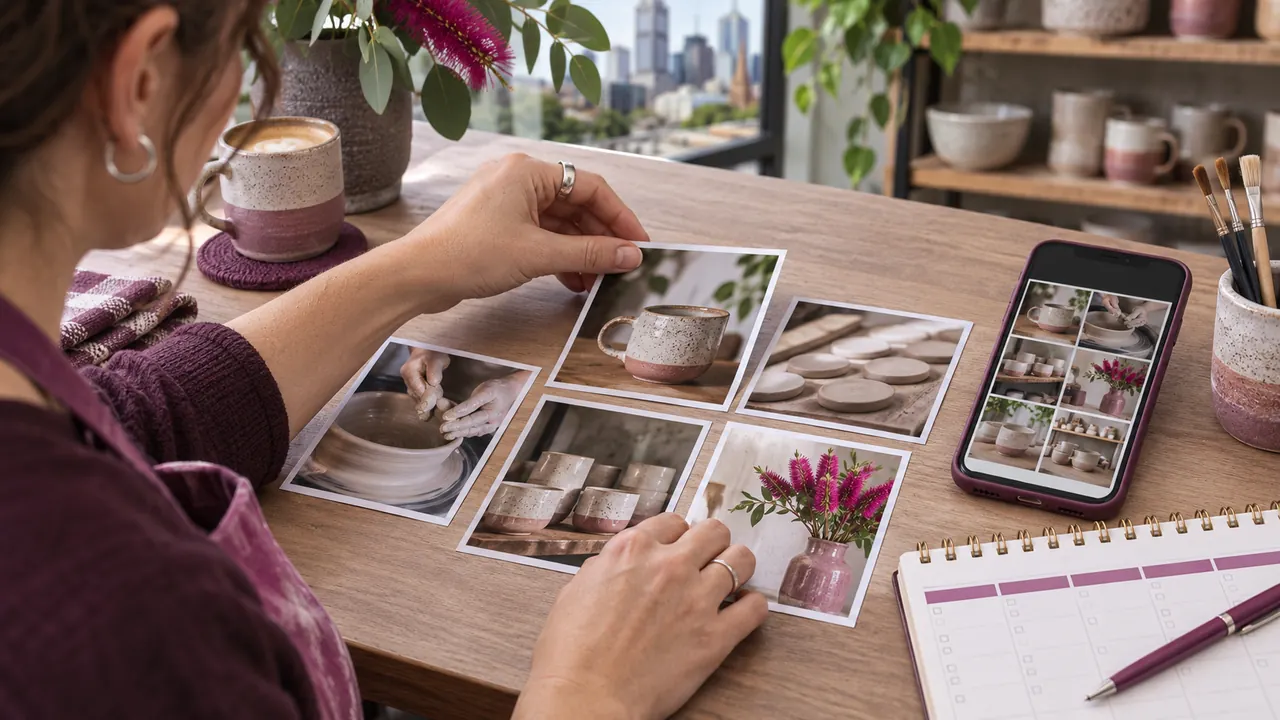
• Add recent photos that show what customers can expect, such as your shopfront, team or completed work.
• Show your address if customers visit your staffed premises. If you only travel to customers, hide your address and list the areas you actually serve.
A shop in Footscray should make its entrance easy to recognise. A mobile detailer working across South East Melbourne can show examples of their work and list the suburbs they cover.
Google’s Business Profile guidelines: https://support.google.com/business/answer/3038177
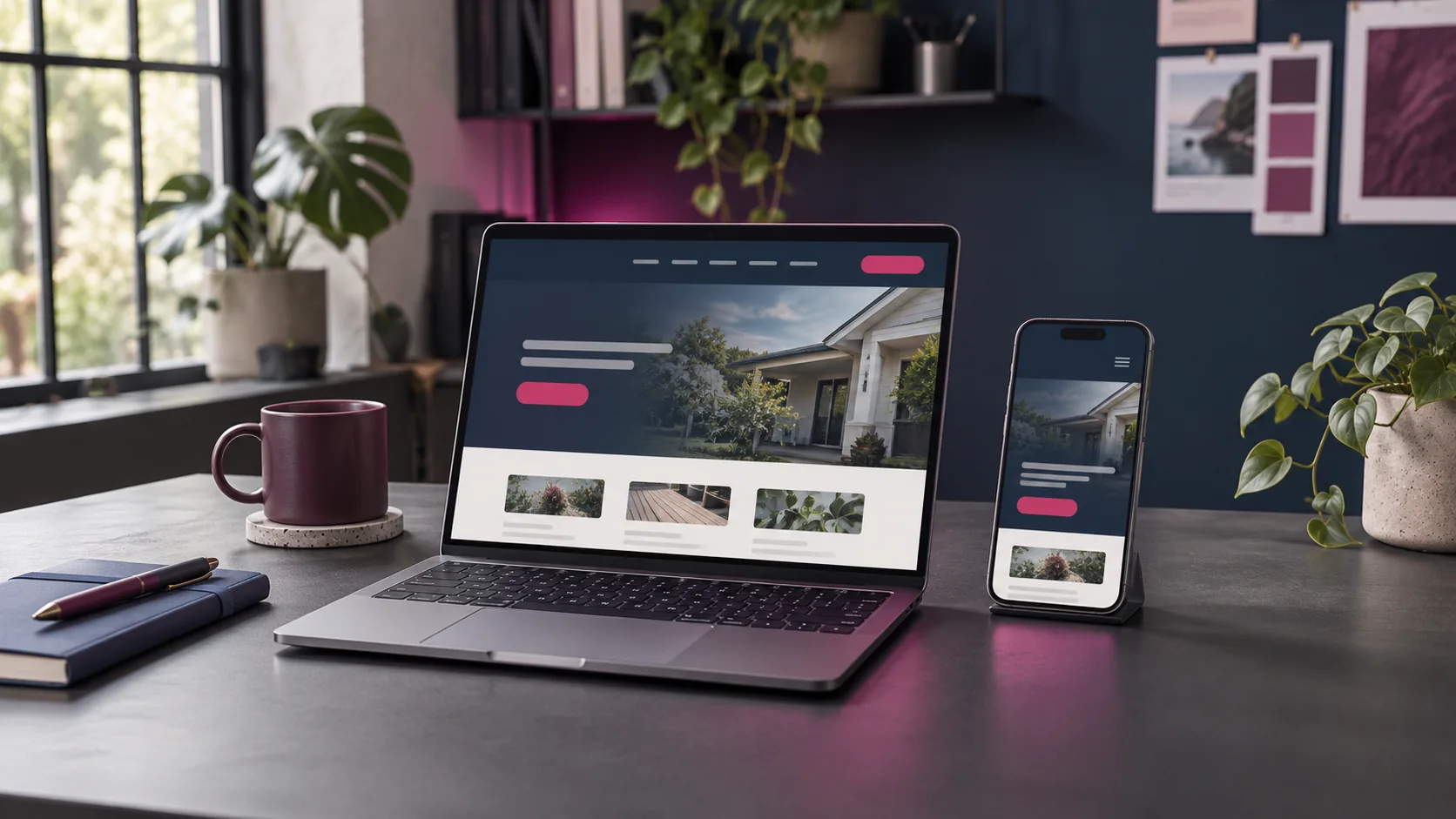
2. Make your key service pages useful to nearby customers
• Give each main service a clear page title and heading. Use the service and location naturally where they help customers understand the offer.
• Explain what’s included, where you work and how someone can book, call or request a quote.
• Build a suburb page when you have something specific to share, such as local projects, pickup arrangements or service availability.
For example, a driving school’s Werribee page could explain where lessons can start and what learners should bring. Give the page a reason to exist for someone who lives there.
3. Check that your business details match
• Compare the business name, phone number, website and trading hours on your website, Google profile and the directories your customers use.
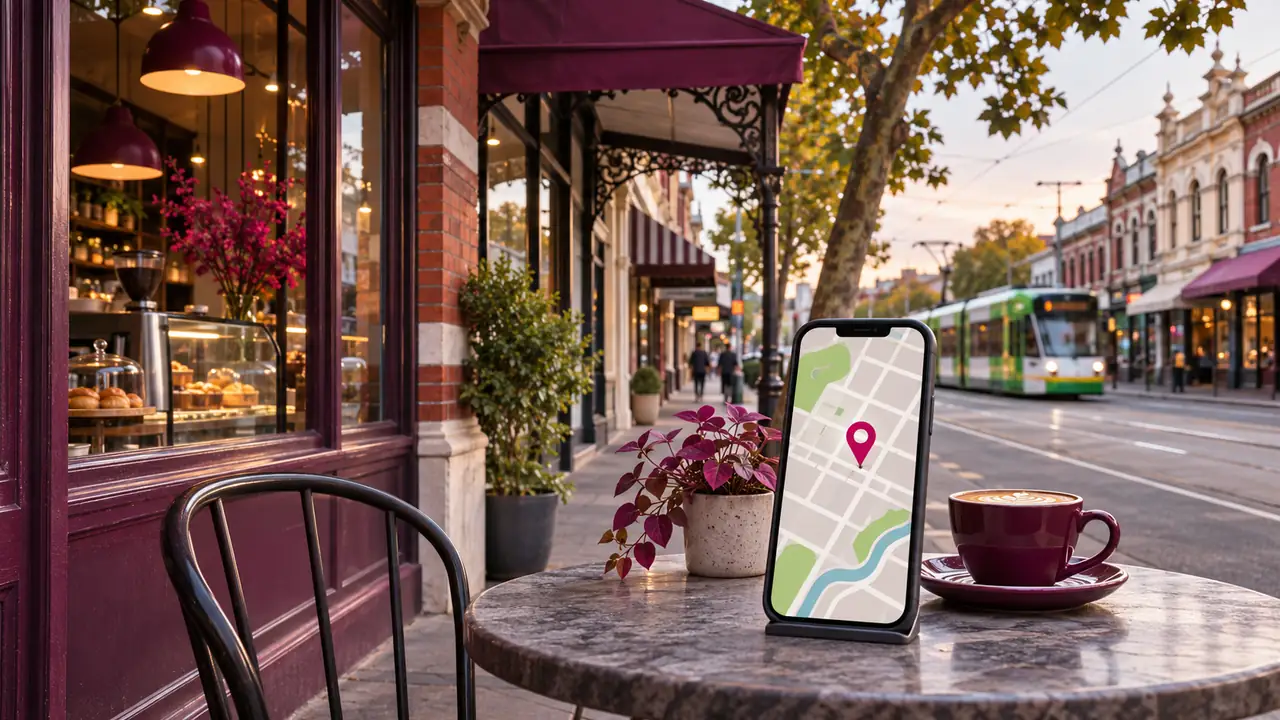
• If you have a storefront, check that the address and map pin take people to the right entrance.
• Test your phone and booking links on a mobile. Send a test enquiry and make sure it reaches the right inbox.
Start with anything that could make someone call the wrong number, arrive while you’re closed or give up on booking.
4. Ask for honest reviews and reply to them
• Share your Google review link after a completed job or visit, when the experience is still fresh.
• Invite honest feedback without offering discounts or rewards for reviews.
• Reply to positive and critical reviews. If an issue needs a longer conversation, invite the customer to contact you directly.
A simple message works well. “Thanks for choosing us. If you have a moment, we’d appreciate an honest Google review about your experience.”
Google’s guide to getting and responding to reviews: https://support.google.com/business/answer/3474122
5. Track the actions that matter to your business
• Use Google Business Profile performance to check available actions such as call button taps, direction requests and website clicks.
• Use Google Search Console to see which searches and pages bring people to your website.
• Compare those figures with actual enquiries or bookings from your records. A tap on the call button counts as an interaction. Your call records show whether it became a conversation.
Record a baseline before making changes, then compare similar periods. If a service page gets more search clicks but enquiries stay flat, test its contact options and check whether the page answers what those visitors came for.
Business Profile performance: https://support.google.com/business/answer/9918094
Search Console performance report: https://support.google.com/webmasters/answer/7576553
What to do first this week
Verify your Google Business Profile, improve the page for the service you most want enquiries for, and test the contact path on your phone. Then put a monthly check in your calendar so hours, reviews and booking links stay current.
If you’d like help finding where to start, tell us which service you want more enquiries for and which Melbourne suburbs you serve. Get in touch with S-Tech Solutions: https://stechs.com.au/